Many business owners stall out here. They're not sure where to find their WebFile information, what separates an FQ number from an XT number, or how to pick the right NAICS code without guessing. Some assume completing the questionnaire automatically means they owe franchise tax. It doesn't.
This guide walks through the process: what to do when the Comptroller's Welcome Letter arrives, how to submit the questionnaire in WebFile, and what comes next as you move into annual reporting. Tax rules and online forms change, so treat this as a starting point and confirm specifics directly with the Texas Comptroller or a qualified tax professional before filing.
Key Takeaways
- The questionnaire sets up or updates your franchise tax account, separate from the annual Franchise Tax Report
- Keep your Welcome Letter, 11-digit taxpayer number, and FQ WebFile number on hand before starting
- Submitting the questionnaire doesn't mean you owe tax; liability depends on entity type, activity, and revenue
- Confirm 2026 thresholds, deadlines, and forms directly with the Comptroller before filing
Understanding the Texas Franchise Tax Questionnaire and Who May Need It
The Texas Franchise Tax Accountability Questionnaire is how the Comptroller's office builds out your entity's tax account. The Comptroller already has basic details from your Secretary of State registration, but the questionnaire fills in the gaps: your mailing address, the date your tax responsibility began, and the business activity you're actually running.
What the Questionnaire Actually Does
Completing it accomplishes three things:
- Confirms or corrects the information the Comptroller already has on file
- Establishes your account so filing identifiers like the XT number can be assigned
- Determines your first report due date if you're a non-Texas entity newly doing business in the state
Which Entities Are on the Hook
Texas franchise tax applies broadly. Entities that may owe it include:
- LLCs, including single-member LLCs even when the IRS treats them as disregarded
- Corporations and limited partnerships
- Professional associations
- Certain trusts, depending on how they're structured
Not every entity is taxable. Sole proprietorships, general partnerships owned entirely by natural persons, and some passive or exempt entities fall outside the system. Exclusions shift over time, so confirm your entity's status against current Comptroller rules rather than an older summary.
Not the Same as the Nexus Questionnaire
It's easy to confuse this with the Texas Nexus Questionnaire (Form AP-114). They serve different purposes:
- Nexus Questionnaire - Asks whether an out-of-state business has enough connection to Texas, such as physical presence or gross receipts, to trigger tax obligations at all
- Accountability Questionnaire - Assumes the account relationship already exists and focuses on setting up or updating it
Franchise tax is also worth separating from other obligations. It's a state privilege tax for the right to operate as a taxable entity in Texas, according to the Comptroller's Franchise Tax Overview. It differs from sales tax and federal income tax, and never applies to individuals directly.
Filing and payment aren't the same thing, either. You can be required to file a report, even a no-tax-due version, without owing a dollar.
Entities below the applicable revenue threshold skip that specific report but may still owe an information report. Verify the current threshold and your reporting category before assuming no filing is needed.

Preparing for the Welcome Letter and WebFile Account
Reading Your Welcome Letter Correctly
When the Comptroller sets up your account, you'll receive a Welcome Letter, sometimes called a Registration Letter, containing:
- Your 11-digit Texas Taxpayer Number
- Your FQ WebFile number, used specifically to access the questionnaire
This letter isn't the same as your Secretary of State file number, which the Comptroller tracks separately in its account-status records. None of these identifiers replace your federal EIN either, since that's issued by the IRS, not the Comptroller.
Pre-Filing Checklist
Before logging into WebFile, gather:
- Legal entity name exactly as registered with the Secretary of State
- Formation date and entity type, such as LLC, corporation, or partnership
- Current mailing address and a responsible contact person
- EIN, if one has already been issued
- Primary business activity description
- Any existing Texas Comptroller permits, licences, or tax accounts
Gather these details first so you avoid saving a partial submission and searching for information halfway through.
Setting Up WebFile Access
Creating your Comptroller eSystems/WebFile profile takes a few steps:
- Go to the official Comptroller WebFile login and select "Create Profile"
- Use a monitored business email, not a personal inbox that might get missed
- Choose a username, password, and security questions
- Verify your email through the confirmation link, which typically expires within 24 hours
- Store login credentials somewhere secure and accessible to whoever handles your filings
Comptroller portal screens get updated periodically, and menu labels shift. If a step here doesn't match what's on screen, trust the current official portal over any outdated walkthrough, including this one.

How to Complete the Texas Franchise Tax Questionnaire Step by Step
Starting the Questionnaire in WebFile
Once logged into WebFile, look for "Complete Franchise Tax Accountability Questionnaire" under Popular Services:
- Enter your 11-digit taxpayer number and select Continue
- Enter the FQ number from your Welcome Letter and select Continue
- Select your organization type
- Begin working through each questionnaire section
Reviewing Organization Information
The system often prefills details pulled from Secretary of State records. Check each field against your actual records:
- Legal entity name - Must match your formation documents exactly
- EIN field - Enter it if available; leave accurate placeholder info if not yet issued
- Mailing address - Update if you've relocated since formation
- Contact details - Use someone who'll actually see Comptroller correspondence
If something's prefilled correctly, leave it alone. If it's outdated, fix it now rather than hoping it self-corrects.
Choosing Your NAICS Code
This trips up a lot of filers. Pick the code reflecting your primary business activity, not a side revenue stream that happens to sound more interesting.
If you don't know your six-digit code, use the Comptroller's NAICS lookup tool linked from the questionnaire screen, or reference the NAICS classification system maintained by the U.S. Census Bureau directly. Guessing here can misclassify your business, so take the extra few minutes.
Permits, Licenses, and Tax Accounts
For each existing Comptroller account, such as a sales tax permit, select the account type from the dropdown and enter its taxpayer number. If your entity genuinely has none, it's fine to indicate that. Don't invent an account that doesn't exist just to fill the field.
Final Review Before Submitting
Run through this checklist before you hit submit:
- Spelling of the legal entity name
- Correct entity type selected
- Taxpayer number matches your Welcome Letter
- Mailing address is current
- Email and phone number are monitored
- NAICS code reflects your primary activity
- Existing accounts are listed accurately, or correctly marked as none
Submitting and Saving Confirmation
After submitting, the confirmation screen provides a record of what you filed. Save a PDF or screenshot with your business records.

The Comptroller doesn't publish a guaranteed processing timeframe on that screen, so don't assume same-day turnaround. Check current Comptroller guidance if you need a firm answer.
What Happens After Submission: XT Number, Annual Reports, and Deadlines
Understanding the XT Number
Once your account is established, the Comptroller issues an XT WebFile number, used for future franchise tax correspondence, Public Information Reports, and Franchise Tax Reports. It's different from:
- The FQ number, for questionnaire access only
- Your taxpayer number, the permanent 11-digit account identifier
- Your Secretary of State file number, a separate agency's formation record
- An RT number, used for other Comptroller taxes
- Your federal EIN, issued by the IRS
The XT number typically arrives in a notification letter mailed roughly six weeks before your next report is due, not instantly after questionnaire submission. Confirm current practice if your letter hasn't arrived when expected.
The Annual Compliance Cycle
Most taxable entities file one of two information reports every year:
- Public Information Report (PIR) - Required for corporations, LLCs, limited partnerships, professional associations, and financial institutions
- Ownership Information Report (OIR) - Required for other taxable entity types
Whether you also owe a Franchise Tax Report depends on annualized total revenue. According to the Comptroller's 2026 franchise tax forms page, the no-tax-due threshold for the 2026 report year is $2.65 million, up from $2.47 million the year before. Entities below that threshold skip the No Tax Due Report, but the PIR or OIR obligation doesn't disappear.
That last point trips up a surprising number of owners. Per the Comptroller's PIR and OIR requirements, the information report stays due even when no franchise tax payment is owed. Don't assume "no tax due" means "no filing required."

Key Deadlines to Track
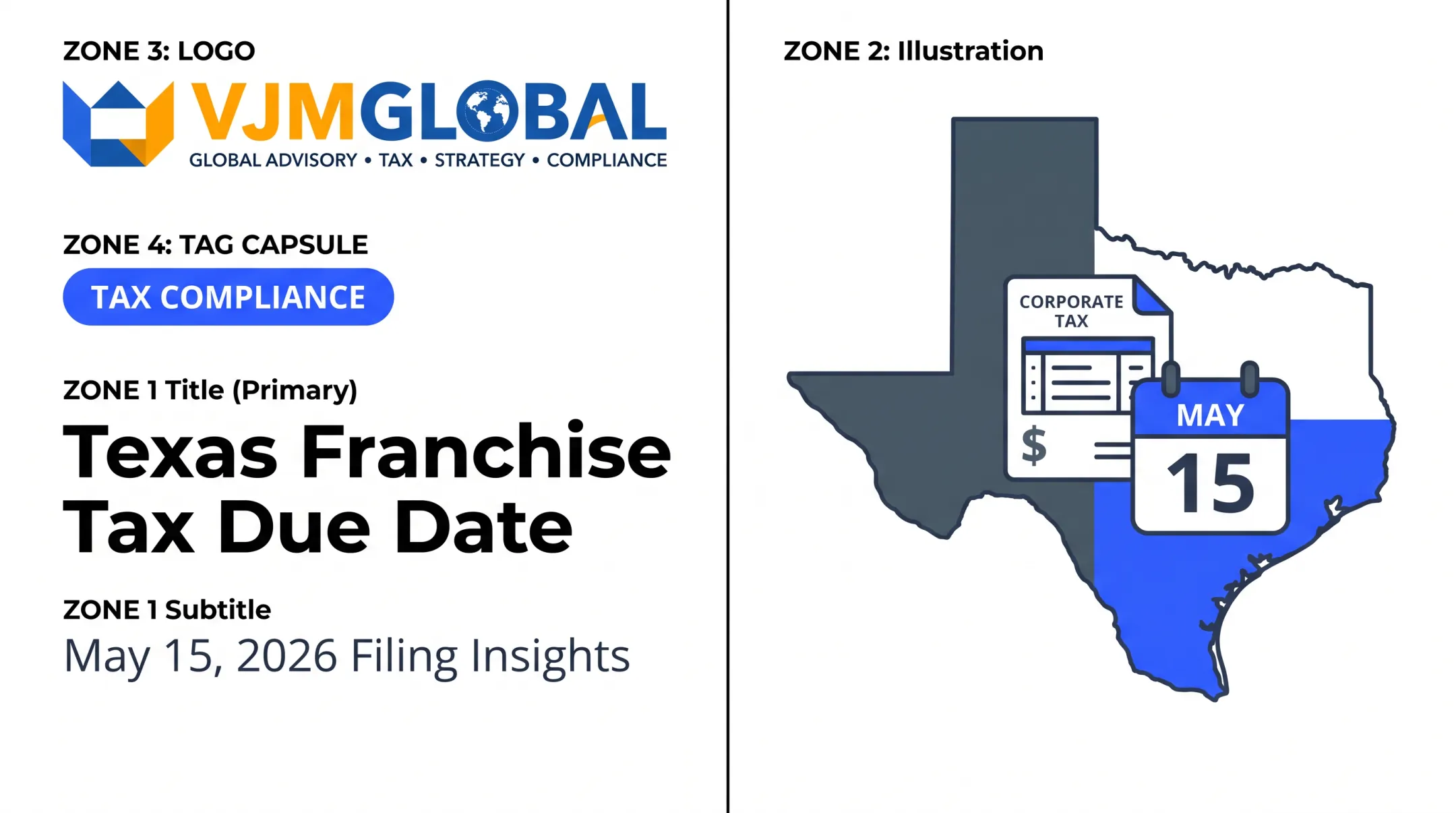
- Annual reports are generally due May 15
- If May 15 falls on a weekend or legal holiday, the deadline shifts to the next business day
- Extensions and final-report rules carry their own windows and conditions
Verify the exact 2026 due-date treatment and extension rules directly with the Comptroller before relying on a prior year's calendar.
Staying Organized Year to Year
Build a recurring compliance calendar and keep copies of:
- Every filed report and confirmation page
- Comptroller notices and letters
- Financial records supporting your revenue calculations
- Any changes to ownership, registered agent, or business address
Common Problems, Corrections, and Texas Comptroller Support
Fixing the Most Common Snags
A few issues come up repeatedly:
- Missing Welcome Letter - Request a duplicate or verify account status through the Comptroller's online search tools
- Lost FQ number - Contact support to confirm it rather than guessing
- Delayed XT number - Allow the typical processing window before assuming something's wrong
- Inaccessible WebFile account - Use password recovery tied to your registered email
- Incorrect mailing address or records mismatch - Correct it through the questionnaire or a follow-up update
When You're Genuinely Unsure
Some questions shouldn't get a best-guess answer:
- Which NAICS code actually fits your business
- Whether your trust structure makes you taxable or exempt
- Whether out-of-state activity creates Texas nexus
- Whether your entity classification changed after a merger or conversion
In these cases, review current Comptroller guidance or talk to a qualified tax professional. An assumption on a state tax account often creates cleanup work that takes longer than getting it right the first time.
Getting Comptroller Support
Before calling, have these details ready:
- Taxpayer number
- Entity name
- Related correspondence
Confirm the current franchise tax support number on the Comptroller's official contact page, since lines and extensions can change.
Where Outside Help Fits In
Comptroller staff can walk you through the questionnaire itself, but they won't help you organize your underlying books or coordinate filings across multiple states.
That is where a firm like VJM Global fits in: supporting businesses with accounting records, tax-compliance coordination, and financial reporting when owners juggle multi-state or cross-border operations alongside Texas obligations.
This support does not replace the Comptroller's office or substitute for individualized legal advice. It can keep records accurate enough that annual filings stay straightforward.
Conclusion: A Practical Texas Franchise Tax Questionnaire Checklist
Here's the sequence, start to finish:
- Locate your Welcome Letter and pull the taxpayer number and FQ number
- Create or log into your Comptroller WebFile account
- Work through each questionnaire section, from organization details to NAICS code to existing accounts
- Review everything against your actual records, then submit
- Watch for your XT number and track your annual PIR, OIR, or Franchise Tax Report obligations
Screens change, thresholds change, and deadlines occasionally shift. When something in this guide doesn't match what you see on the Comptroller's site, go with the official instructions.
Save your submission confirmation, set a recurring May 15 reminder, and loop in a qualified tax professional for anything specific to your entity's structure or revenue. A few minutes of organization now saves a lot of cleanup later.
Frequently Asked Questions
How much is Texas franchise tax for LLC?
It depends on your LLC's taxable margin, total revenue, and which calculation method applies to your entity. Thresholds, rates, and deduction limits change by report year, so confirm current figures through the Texas Comptroller before estimating what you owe.
What forms are required for the Texas franchise tax report for 2026?
Most entities file a Public Information Report or Ownership Information Report annually, and some also file a separate Franchise Tax Report based on revenue. Confirm the exact 2026 forms for your entity type directly with the Comptroller's office.
What is the Texas Nexus questionnaire?
Form AP-114 assesses whether an out-of-state business has enough connection to Texas to trigger tax obligations in the first place. It's distinct from the Accountability Questionnaire, which assumes that relationship already exists.
Do trusts file Texas franchise tax?
Some trusts are taxable entities, while certain grantor trusts and passive entities may be excluded or exempt. Confirm your trust's legal classification against current Comptroller rules before assuming either outcome.
What is Texas Comptroller franchise tax?
It's a state privilege tax on qualifying entities formed, organized, or doing business in Texas, calculated on taxable margin rather than net income. Being required to file a report doesn't automatically mean tax is owed.
What is the phone number for the Texas Comptroller's franchise tax helpline?
Confirm the current number on the Comptroller's official contact directory before calling, since lines and extensions can change. Have your taxpayer number, entity details, and related correspondence ready when you do.