Introduction
More US entrepreneurs are turning to Namecheap's Business Starter Kit to form an LLC while grabbing a domain name in the same sitting. Solopreneurs, freelancers, and small online sellers like knocking out two launch tasks at once.
But there's friction. Many users don't realize Namecheap doesn't file the LLC itself. It partners with Tailor Brands to handle the formation flow. Confusion about state fees, EIN applications, and ongoing compliance trips people up fast.
This guide walks through exactly how to use Namecheap to form a US LLC, step by step. It also flags what the kit does not cover so you know when to bring in extra support.
TL;DR
- Namecheap's Business Starter Kit forms your LLC via Tailor Brands, plus a free domain, hosting, email, and marketing tools for one year
- State filing fees still apply; Namecheap does not handle EINs, registered agent renewals, or ongoing tax filings
- Best for simple, single-state LLCs—not multi-member, multi-state, or foreign-owned entities that need bookkeeping and compliance support
- Follow the sequence—name check, filing, approval wait, then redemption—to avoid delays and missed benefits
When Should You Use Namecheap for LLC Formation?
This kit fits a narrow profile. It works best when you are:
- A solo founder, freelancer, or small online business
- Forming a single-member LLC in one US state
- Handling straightforward filing needs with no complex ownership structure
If that sounds like you, it is a fast, low-friction path.
Skip this kit if:
- You need a multi-member LLC with a custom operating agreement for profit splits and member roles
- You are a non-US resident who needs ITIN/EIN guidance and banking setup (the free kit offers little direction)
- You expect multi-state tax obligations or complex compliance from day one
Namecheap's offer works especially well when you also want a domain, hosting, and business email bundled at launch. That's the real hook: you're not just filing paperwork, you're getting a starter website stack in the same motion.
What You Need Before Using Namecheap for LLC Formation
Before you touch the Business Starter Kit, gather these:
- Business name — check it against your state's naming rules and entity database, then against the USPTO trademark database
- Basic entity details — state of formation, member names and addresses, and a general business purpose statement
- Budget for state filing fees — never included in the free kit (Georgia $110; Washington $180 plus online fees)
- Namecheap account and domain idea — the kit bundles a free .com registration with the LLC filing, so have a name ready
State approval does not mean the trademark is clear. Skipping the name search is the single most common cause of delayed or rejected filings.
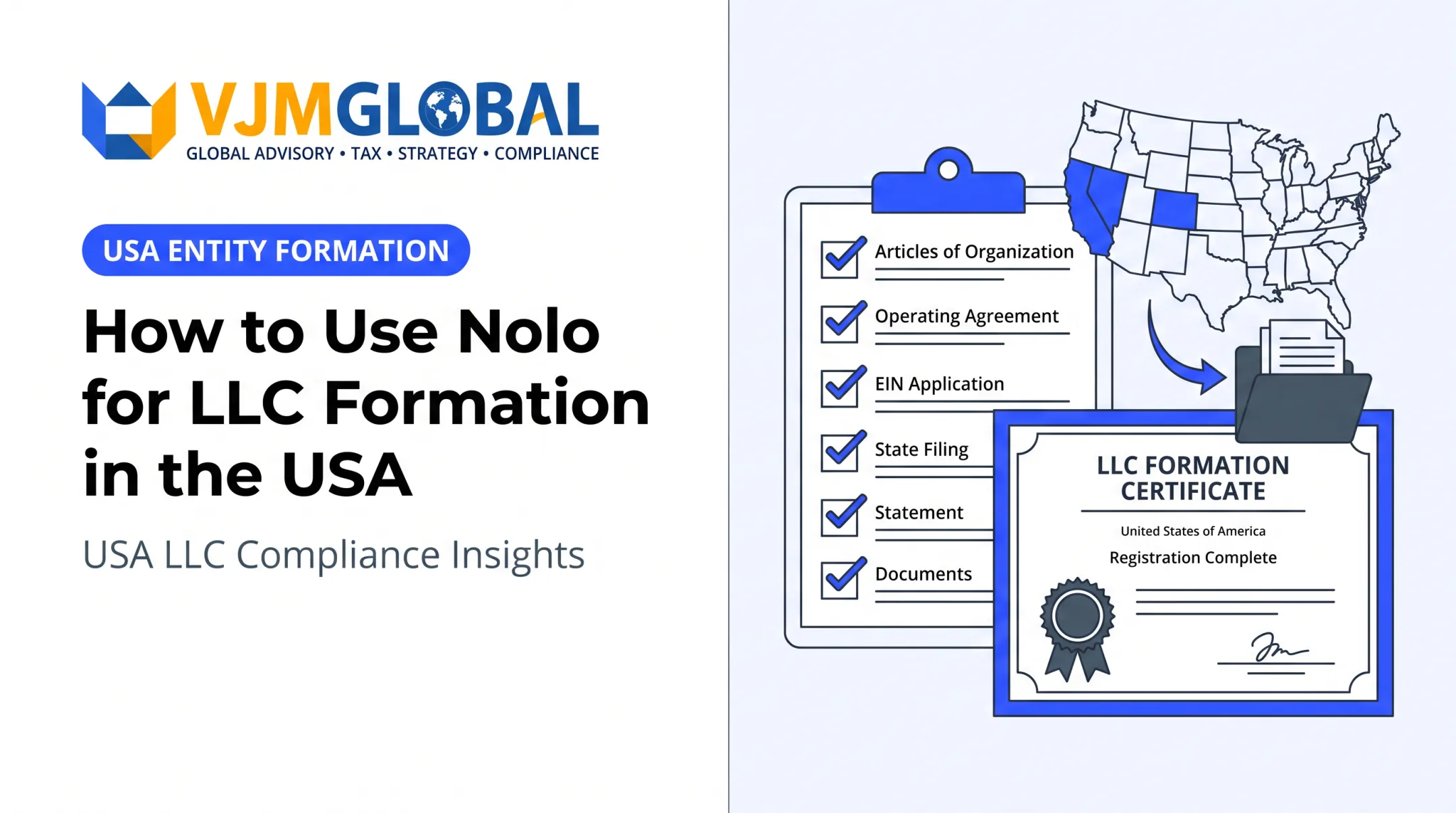
How to Form Your LLC Using Namecheap (Step-by-Step)
Rushing into the Tailor Brands flow without confirming name availability first is the fastest way to stall your filing. Follow this sequence instead.
Setup and Preparation
Every state runs its own business name database, and naming rules vary (required entity endings, restricted words, distinguishability standards). Complete both checks before you file:
- Search your state's business-name registry for conflicts
- Run the same name through USPTO's trademark search
A common mistake: assuming a name is free just because the domain is available. Domain availability and state business-name availability are two completely separate checks. A name can be wide open at Namecheap and already taken at your Secretary of State's office.
Initiating the LLC Filing
Once your name clears both checks, filing starts inside Namecheap's Business Starter Kit, which hands off to Tailor Brands' formation flow. The process is guided and largely automated:
- Select your state of formation — fees and processing times differ by state
- Enter your proposed entity name exactly as you cleared it
- Provide owner and member details for the formation records
- Add your registered agent and a physical business address

You'll get a confirmation email once the application is submitted, and your dashboard will show a status update. That confirmation is your signal the filing actually went through, not just that a form was saved.
Completing Formation and Redeeming Free Tools
Namecheap emails your promo codes for the free domain, hosting, email, and marketing tools after you apply. According to Namecheap's live offer, that email typically arrives 48 hours after you complete the application, and you have six months to claim everything.
Why timing matters:
- Wait for state approval before redeeming—early redemption can mismatch your business name and registered domain
- Georgia online filings generally take 7-10 business days, depending on office workload
- Washington expedited filing costs around $100 and often clears in about three working days

After you redeem, launch the site and put the tools to use. You have a one-year window before hosting, email, and marketing tools move to standard renewal pricing.
Monitoring After Filing
After you file, keep monitoring these items:
- State approval confirmation — save this document; you'll need it for banking and EIN applications
- EIN application status — track it if you apply separately through the IRS
- Registered agent renewal deadlines — most states require ongoing agent maintenance, not a one-time selection
Warning signs to watch for:
- No confirmation email within your state's typical processing window
- Rejected filings due to name conflicts with an existing registered business
- Coupon codes expiring before you redeem them — the six-month window is firm
Where This Process Fits in Your Broader Business Setup
Forming the LLC is one step in a longer sequence. After state approval, you still need to:
- Apply for an EIN with the IRS (required to open most business bank accounts)
- Set up a business bank account
- Track annual state compliance, including reports and franchise tax where applicable
- Register for sales tax if you're selling in multiple states

This is where the free kit's limits show up. Namecheap and Tailor Brands get your entity filed, but neither manages ongoing bookkeeping, payroll, or multi-state tax obligations.
International founders, or anyone who needs EIN assistance, payroll processing, or compliance across several states, often pair Namecheap's basic filing with a dedicated formation and compliance partner.
VJM Global, for example, supports both US-based and non-US founders with:
- EIN assistance
- Bookkeeping and payroll (Forms W-4, W-2, 941, and 1099-NEC)
- Multi-state tax compliance across all 50 states
That support matters most once your LLC moves past the "just filed" stage into operations, hiring, or interstate sales.
Best Practices for Using Namecheap's LLC Formation Effectively
A few habits keep a Namecheap LLC filing clean after approval and prevent expensive cleanup later:
- Confirm your state's exact filing fee and annual report requirements before you start—fees and deadlines differ by state
- Apply for your EIN promptly after approval; most banks need it to open a business account
- Redeem your free domain, hosting, and email coupons right after approval so the six-month window does not lapse
- Treat the free kit as filing only—it does not cover annual reports, registered agent renewals, or tax filings. For ongoing US compliance after formation, pair it with a multi-jurisdiction provider such as VJM Global
Conclusion
Using Namecheap to form your US LLC is straightforward when you follow the right sequence: research your name, file through the Business Starter Kit, wait for state approval, then redeem your bundled tools before they expire.
The filing itself is only the beginning. Pairing this fast, low-cost route with proper ongoing compliance and tax support protects your LLC's standing well beyond launch day. VJM Global supports US LLC owners with ongoing tax compliance, bookkeeping, and entity maintenance so the business stays in good standing after formation.
Frequently Asked Questions
Is Namecheap a legitimate company?
Yes. Namecheap has operated as an ICANN-accredited domain registrar since 2000. Its LLC formation service is delivered through a verified partner, Tailor Brands, not Namecheap itself.
Does Namecheap file my LLC for free?
The formation service fee is free through the Business Starter Kit, but state filing fees still apply. These range widely, from around $110 in Georgia to $180 in Washington, plus any processing fees.
Do I still need an EIN after forming my LLC through Namecheap?
Yes. An EIN comes separately from the IRS and isn't included in the free kit. Most banks require one to open a business account, so apply for it right after your LLC is approved.
Can non-US residents use Namecheap to form a US LLC?
Formation itself is possible, but non-residents often need extra support with ITIN or EIN applications and US banking setup. Firms like VJM Global assist with EIN/ITIN applications, US banking setup, and ongoing tax compliance after formation.
How long does LLC approval take after filing through Namecheap?
Timing depends entirely on your state. Georgia generally processes online filings within 7-10 business days, while other states may take longer or offer expedited options for an added fee.
What happens if I don't redeem my free Namecheap tools in time?
Your promo codes are tied to LLC approval and expire within six months of the offer email. Miss that window, and you lose access to the free domain, hosting, email, and marketing tools.